

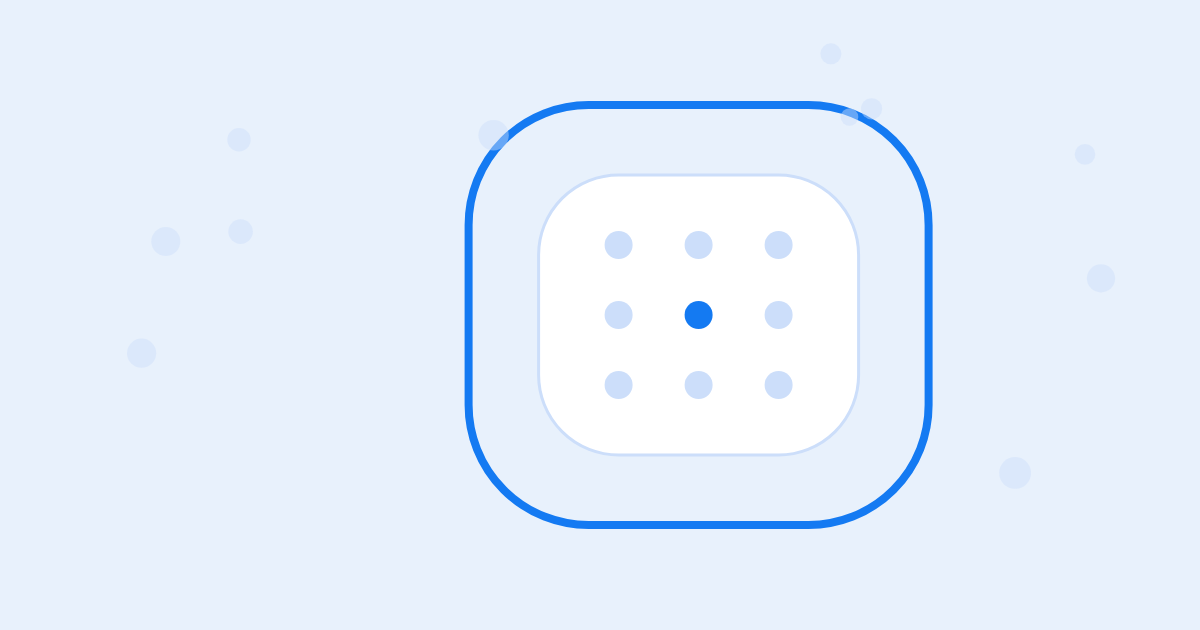
The three deployment types differ in where servers and models live
When a company evaluates business AI, the discussion tends to drag once someone asks, "Can we actually put this in the cloud?" The cloud is the fast way to start, but the data makes people want to keep everything in-house. And if your company runs a network with no internet access at all, the first question is whether there is any option.
The answer depends on your company's policy, and every answer leads somewhere. If internal policy allows business data to be processed in an external cloud, you start right away with cloud (SaaS). If policy or your security team won't allow it, on-premises installs OwlAI on your own servers, and if internet access itself is blocked, there is the air-gapped network deployment. All three give you the same screens and the same core features. What changes is where the servers sit and where the AI models run.
Operating burden and time to start vary by type
With cloud (SaaS), you sign up for the SaaS that OwlAI runs, so there are no servers to prepare. With on-premises, you install OwlAI on company servers and run it yourself. An air-gapped network deployment is on-premises installed on a network cut off from the internet; it runs only on models on internal GPU servers, with no external AI services.
| Cloud (SaaS) | On-premises | Air-gapped network | |
|---|---|---|---|
| Servers | Run by OwlAI | Company servers | Company servers (internet blocked) |
| AI models | External models | Self-hosted GPU models, external models, or both | Self-hosted GPU models only |
| Meeting speech recognition | Managed service (remote copy deleted right after processing) | Internal servers by default | Internal servers |
| Billing and use | AWS Marketplace subscription, seats and credits | License (seat limit) | License (seat limit) |
| Updates | Applied by OwlAI | Automatic over the internet (administrator approves) | Import a release file, then update (administrator approves) |
| Operating burden | Lowest | Servers, backups, update approval | On-premises plus import procedure, GPU server operation |
| Time to start | Immediately on sign-up (free trial for one administrator) | After server preparation and installation | After import, installation and self-hosted model preparation |
The servers and models a question passes through on its way to an answer also differ by type.

Core features are the same; only features that reach outside differ
Chat, database queries, document search, meeting minutes and playbooks work the same way in all three.
Web search and web page reading are available wherever there is internet access. On an air-gapped network, research covers internal databases and documents instead of the web. Connectors to external services split the same way: cloud (SaaS) can connect only services reachable from the internet, on-premises can connect internal systems as well, and an air-gapped network can connect only systems inside the internal network.
Model configuration differs too. Connecting self-hosted GPU models is an option only on-premises and on air-gapped networks. An air-gapped deployment runs chat, database queries, document writing and playbooks entirely on open models loaded on internal GPUs. Whether those models fit your company's work is something to check by putting real business questions to them during a pilot.
On-premises and air-gapped deployments should have a proper HTTPS certificate for the server address. Microphone voice input and web notifications work only over a secure connection, and with a self-signed certificate every browser and desktop app has to be set up to trust it. The mobile app connects only to servers at an https:// address.
Your policy and the systems you need to connect decide the type
If you want to start fast and see the value first, and policy has no objection to processing business data in an external cloud, cloud (SaaS) is the fit. With no servers to prepare, one administrator can try it right away on free trial credits. You subscribe through AWS Marketplace and are billed monthly per user seat, and each seat comes with that month's AI usage as credits.
If you need deep connections to internal databases and systems, or the company must control where its data stays, on-premises is the fit. Its biggest advantage is that you can mix external and internal models to suit each kind of work.
If regulation or security classification rules out internet connectivity on your network, the answer is an air-gapped deployment. It means procuring GPU servers and going through an import procedure, but not a single character of your questions or data leaves the company. On-premises and air-gapped costs vary widely with the number of users, the model configuration and whether new GPU servers have to be procured.
Before choosing a type, settle three questions with your IT department and security team:
- Does internal policy allow business data to be processed in an external cloud?
- Are there internal databases and systems the AI needs to connect to?
- Is your network barred from internet access, and if so, can you procure GPU servers?
What technology solves this?
Engineering Notes · Installation, operations, and quality
The preflight check only reads the host and leaves the fixes to a person
On-premises OwlAI runs as a Docker Compose stack on a single host the customer picks.
Engineering Notes · Installation, operations, and quality
Measure the vLLM concurrency limit with production input lengths, not short prompts
Benchmark a vLLM server for a self-hosted model with 1.1K-token prompts, and the numbers tell you to raise the…
Engineering Notes · Security and audit
External models never see internal-only data, not even its name
Put a model running inside the customer network and an external API model in one installation, and deciding wh…
More in Adoption and operations
Insights · Adoption and operations
Bringing AI to a network where ChatGPT won't load
Type the ChatGPT address on a PC on your business network, and the page doesn't load.
Insights · Adoption and operations
While IT and security wait on each other, the AI rollout drags on
At the first meeting after your company decides to bring in business AI, IT asks which server to prepare, secu…

Insights · Adoption and operations
Updating self-hosted AI: can it be done safely?
The notice says a new version is out, yet the server is still sitting several versions back.